
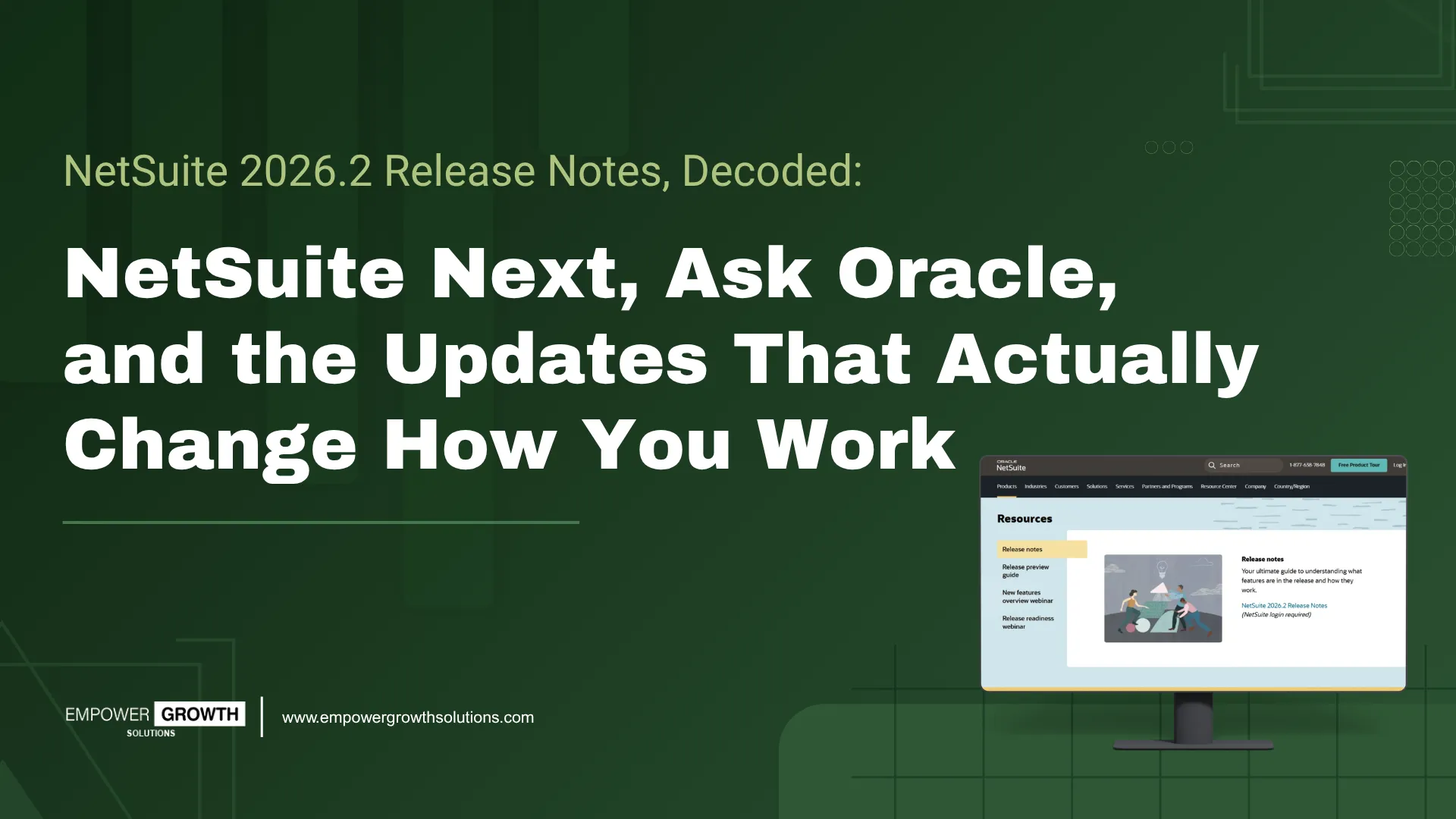
NetSuite 2026.2 is here, and it's a bigger release than a typical ".2." Alongside dozens of updates across accounting, banking, inventory, and projects, Oracle is using this cycle to begin rolling out NetSuite Next a re-architected, AI-first version of the platform paired with Ask Oracle, a conversational AI assistant available to existing customers ahead of that migration.
That's the headline. Beyond it, a handful of other changes will genuinely change your day-to-day: less manual reconciliation, faster order fulfillment, smarter reorder points, and automation that lives inside your existing workflow instead of bolted onto the side of it.
Here's a breakdown of what matters, why it matters, and what to do about it, organized the way your finance, ops, and IT teams actually think about their work.
The Big Story: NetSuite Next and Ask Oracle
NetSuite Next: The Platform Gets Rebuilt Around AI
NetSuite Next is Oracle's re-architected, AI-first version of NetSuite, and it has begun rolling out in North America as part of the 2026.2 cycle. It's built with AI embedded across the platform conversational intelligence, agentic workflows, and natural language search designed to handle repetitive and complex tasks so your team can move faster with more confidence.
Crucially, this isn't a forced rip-and-replace. Existing customers can explore NetSuite Next through a dedicated preview account a full copy of your current environment before deciding whether and when to move. Migration keeps your existing data, configurations, and customizations intact, and adoption can happen one team at a time rather than all at once.
For business leaders, this means you can start evaluating NetSuite Next now, on your own timeline, without disrupting the system you're running today.
Ask Oracle: A Conversational Assistant for Your Existing NetSuite
Ask Oracle is the conversational AI assistant Oracle is rolling out to existing NetSuite customers before they migrate to NetSuite Next. It's a faster, more natural way to work with your data: ask questions, generate reports, surface insights, navigate records, and complete everyday tasks all through a single conversational interface, without hunting through menus or building a saved search from scratch.
For teams that live in NetSuite daily, this is the difference between "I need to go build a report to answer that question" and "let me just ask." It also functions as a practical bridge giving your team a taste of the NetSuite Next experience while you're still deciding on a migration timeline.
Every other update in 2026.2 improves a specific workflow. NetSuite Next and Ask Oracle change the operating model of the platform itself how your team searches, reports, and gets work done inside NetSuite, day to day. If you only take one thing from this release to your leadership team, make it this one.
Finance & Accounts Payable: Less Manual Work, More Control
Payment Runs: A Real Accounts Payable Workflow, Finally
If your Accounts Payable team has ever manually pieced together which bills, credits, and expense reports to pay in a single batch, Payment Runs will feel like a weight lifted. You can now create a payment run, select eligible payables vendor bills, vendor credits, journal entries, expense reports, and bill payments save the selection, review it, and submit when ready.
This means fewer duplicate payments, clearer audit trails, and an approval step that actually reflects how AP teams work in the real world: batch, review, approve, release.
Bank Reconciliation Gets an AI Assist
The new Match Suggestions subtab brings AI-generated match recommendations directly into the reconciliation workflow, and for the first time extends payment-application suggestions to the accounts payable side, not just Accounts Receivable. NetSuite can now suggest, create, and apply payments for open invoices and open payables right from the Match Bank Data page.
Pair that with automatic submission of manual matches and cleared transactions (no more separate submission step), and month-end reconciliation gets noticeably shorter. For finance leaders, this is one of the clearest "hours saved per month" updates in the release.
Automated Tax on Term Discounts
Early payment discounts have always come with a hidden tax headache: adjusting the tax portion manually. NetSuite 2026.2 automates this generating bill credits for both the discount and its associated tax automatically when term discounts are applied on vendor payments. Small update, real accuracy win.
AI & Automation: AI That Lives Inside the Workflow
NetSuite CPQ AI Assistant
Sales reps configuring complex products can now use a Configure with CPQ Assistant button that opens a guided, natural-language chat to walk through configuration questions and recommend options in real time. This lowers the skill floor for configuring complex quotes meaning less time spent training reps and fewer configuration errors reaching the order.
Advanced Record Customization (ARC)
ARC gives administrators one place to manage AI Descriptions across custom records, fields, and transactions including ones added through SuiteApps or bundles that didn't originally include one. This might sound like back-office housekeeping, but it's the foundation for every AI feature (and every MCP-based integration, including tools like Claude) that depends on understanding what your custom data actually means. Get this right once, and every AI feature downstream gets smarter.
CFO Insights Reports
Two new reports, Labor Costs and Labor Costs & Revenue Insights let CFOs slice labor cost by period, subsidiary, department, or location, and generate AI summaries of the data on demand. This is a direct line from raw payroll data to a board-ready insight, without a spreadsheet in between.
Supply Chain & Manufacturing: Planning Gets Smarter
Inventory Optimization for Reorder Point Planning
This is the sleeper hit of the release. Instead of static reorder points, NetSuite can now calculate optimized lead time, safety stock, reorder point, and preferred stock level based on actual demand patterns, lead-time variability, and service-level targets at the item or item-location level.
For companies managing hundreds or thousands of Stock Keeping Units, this shifts reorder planning from "best guess plus buffer" to a data-driven calculation that updates as conditions change. Stock-outs and overstocks both get more expensive every year; this feature directly targets both.
Rough-Cut Capacity Planning (RCCP)
Manufacturers can now see required vs. available machine and labor capacity by work center, across a selected date range, before committing to a production schedule. Overloaded work centers show up before they cause a missed ship date not after.
Bin Transfers for Vendor Consigned Inventory
A narrower but useful fix: consigned inventory can now move between bins within a location without breaking ownership tracking closing a gap that previously forced workarounds.
Projects: Catching Risk Before It's a Budget Problem
Five New Project Health Indicators
Running daily at midnight, these indicators flag:
-
Planned vs. actual time overruns
-
Overdue tasks
-
Resource coverage shortfalls for remaining work
-
Project margin (cost vs. revenue)
-
Unbilled approved charges
For services businesses, this is the difference between finding out a project is over budget at the final invoice versus catching it three weeks earlier while there's still time to act.
Security: Passwordless Login Arrives
Passkeys for Login and 2FA
As of July 13, 2026, every NetSuite user can set up a passkey for passwordless login, and FIDO2-compliant passkeys can now serve as a second authentication factor too. It's a meaningful step toward reducing password-related support tickets and phishing risk though passkeys currently cover login only; other in-app actions still require a password.
Also worth flagging for your IT team: NLAuth for RESTlets and new integrations using Token-Based Authentication (TBA) both lose support in 2027.1. If your integrations still rely on either, now is the time to plan the OAuth 2.0 migration not next quarter.
Order Management & Reporting: Small Changes, Real Time Savings
-
Fulfilment from sales order lists removes a navigation step your order management team repeats dozens of times a day.
-
Advanced Pricing context on sales order lines shows why a price landed where it did a genuine time-saver during pricing audits and customer disputes.
-
Export to .xlsx by default retires the legacy .xls format for lists, saved searches, and reports.
-
Analytics Warehouse now supports Salesforce as a distinct data source, so Salesforce and NetSuite records with the same name (like "Customers") no longer collide.
Key Takeaways
NetSuite 2026.2 is a practical release wrapped around one big structural shift. The theme running through nearly every update is the same: remove manual steps, surface risk earlier, and put AI where it actually reduces work rather than adding a new tool to learn and NetSuite Next is where that theme becomes the platform itself.
If your team only has time to prioritize four things from this release:
-
Get into a NetSuite Next preview account and try Ask Oracle - see the direction the platform is heading, on your own timeline.
-
Turn on Payment Runs and Bank Match Suggestions - the fastest path to hours saved in finance.
-
Evaluate Inventory Optimization - especially if you're managing reorder points manually or in spreadsheets today.
-
Audit your integrations for NLAuth/TBA dependency - before the 2027.1 sunset becomes an emergency.
Ready to Put 2026.2 to Work?
Configuring these features correctly with the right permissions, preferences, and rollout plan for your business, makes the difference between a release that sits unused and one that actually moves your numbers.
Book a discovery call with Empower Growth Solutions, and we'll map exactly which NetSuite 2026.2 features including NetSuite Next and Ask Oracle will move the needle for your business first.


0 Comments