
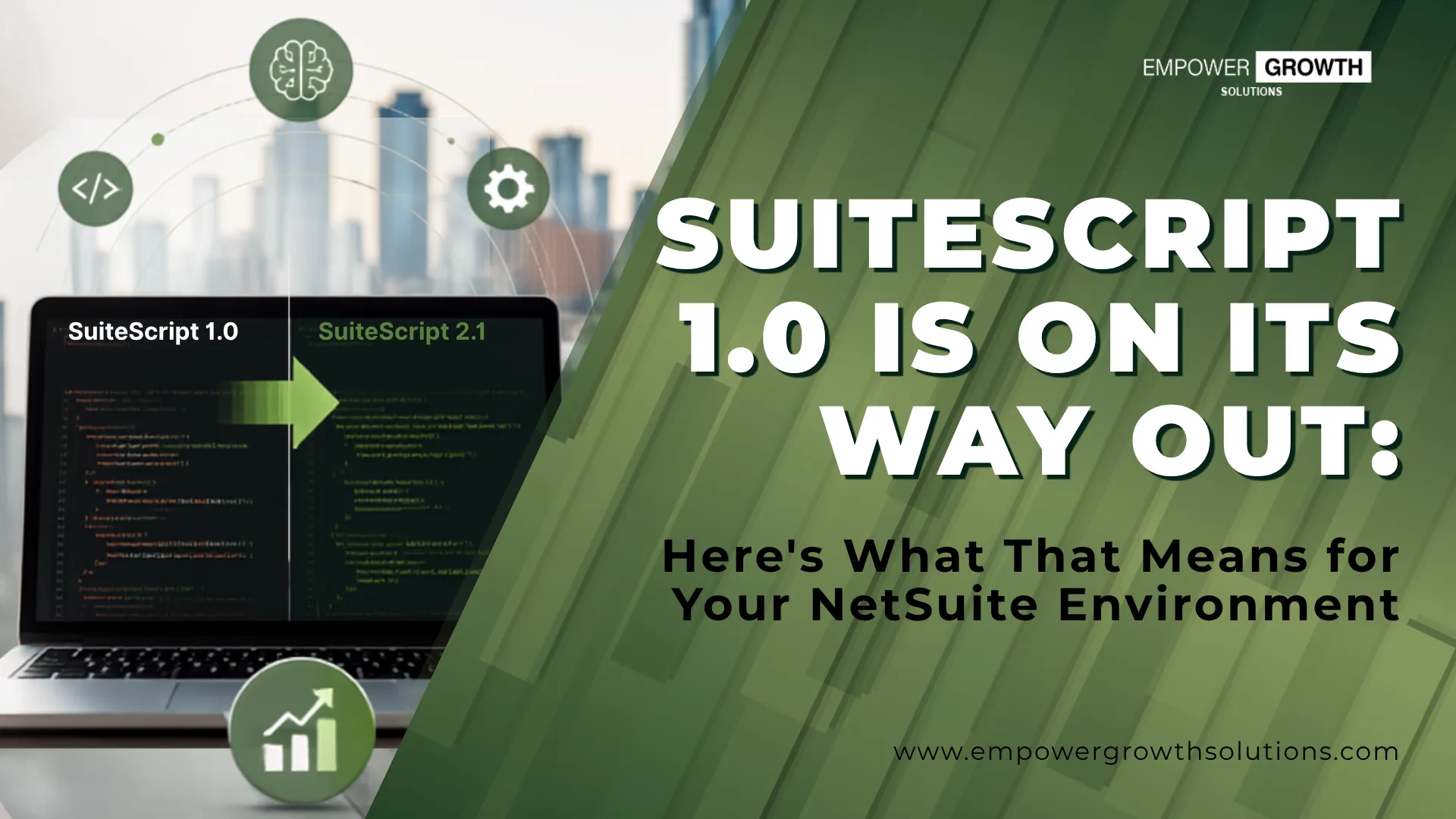
If your NetSuite account has been live for more than a few years, there's a good chance it's still running on SuiteScript 1.0 somewhere quietly powering an approval workflow, a scheduled job, or an integration nobody's touched since it was built. That's exactly the kind of customization that's now at risk.
SuiteScript 1.0 is in maintenance mode. Oracle isn't adding new features or capabilities to it, and its documentation has already been pulled from NetSuite's main help site. On top of that, starting with the 2026.2 release, NetSuite has begun showing in-product warnings on accounts still relying on older script versions, flagging them for eventual retirement. There's no published hard cutoff date yet, but the direction is unambiguous: SuiteScript 2.1 is where NetSuite is investing, and 1.0 is not where new capability, performance work, or security attention is going.
For a lot of businesses, that's easy to file away as "future problem." It isn't. Here's why.
What's Actually Changing
SuiteScript 1.0 was NetSuite's original scripting framework which was the tool teams used for years to automate processes, build integrations, and customize records before the SuiteScript 2.x line became the standard. Scripts written in 1.0 still run today, but "still running" and "safe to leave alone" are two different things.
NetSuite ships two major releases a year, and each one can quietly change behavior underneath older scripts, even without a formal deprecation notice attached to that release. Some 1.0 functions also don't have a clean one-to-one equivalent in 2.1: certain line-item and subrecord operations, for example, need to be rebuilt rather than simply renamed. That's the gap that turns "we'll deal with it eventually" into an unplanned fire drill after an upgrade.
Where This Shows Up in Your Business
This isn't a developer-only concern. SuiteScript 1.0 customizations commonly sit underneath processes that finance, ops, and revenue teams depend on every day:
-
Workflow automation: approval routing, status changes, record transitions
-
Custom approvals: multi-level sign-off chains for POs, expenses, discounts
-
Integrations: the scripts that move data between NetSuite and your other systems
-
Data processing: scheduled scripts that clean, sync, or transform records
-
Scheduled jobs: recurring background processes running on a timer
-
User event and client scripts: real-time validations, field behavior, record-level logic
If any of these break during or after an upgrade, the disruption isn't abstract. It's a stalled approval queue, a broken data sync, or a finance close that suddenly needs a manual workaround.
What Actually Happens If You Don't Move on This
Your scripts don't fail all at once. They fail piece by piece, in ways that are easy to miss until they add up.
Breakages show up quietly, long before any hard deadline. Each biannual release touches the underlying platform and UI in ways 1.0 scripts weren't built to anticipate. You're likely to see smaller, harder-to-diagnose issues first: a workflow that stops triggering correctly, a client script that throws errors in a new browser rendering path, an integration that silently drops records. These tend to surface in production, under time pressure, without a clear root cause because the script that's failing predates everyone currently troubleshooting it.
Enhancements get harder, not easier. SuiteScript 1.0 and 2.1 can't be mixed within the same script. That means every new feature you want to bolt onto an existing 1.0 customization either gets bolted on in outdated syntax or requires touching legacy code nobody wants to open. Over time, teams either stop enhancing those processes altogether or accept rising technical debt with every change.
Your key processes end up running on technology that's no longer being improved. Workflow automation, custom approval chains, integrations, scheduled data jobs, user event and client scripts, for many organizations, these aren't peripheral. They're the invisible infrastructure that keeps AP, order management, and reporting moving without manual intervention. When that infrastructure sits on a scripting layer that's been flagged for eventual retirement, you're not just carrying technical debt. You're carrying operational risk on processes the business depends on daily.
Migration only gets more expensive the longer you wait. This isn't always a clean copy-paste job. Some SuiteScript 1.0 functionality (certain line-item and subrecord operations, for example) doesn't map directly onto the newer API set and has to be rebuilt, not just converted. Error-handling behavior can also differ between versions, meaning a script that "looks migrated" can behave differently in production until it's properly tested. The more scripts you accumulate on 1.0, the bigger that rebuild-and-retest project becomes.
Why SuiteScript 2.1 Matters Now
Avoiding breakage is one reason to move off SuiteScript 1.0. It's not the only one and arguably not even the most important one anymore.
NetSuite's AI-driven capabilities are built on top of SuiteScript 2.1, not 1.0. NetSuite's AI coding assistant, for instance, generates only 2.1 code, and has no meaningful way to write, extend, or clean up a script written in the older framework. If your customizations live in 1.0, you're effectively locked out of using NetSuite's AI tooling to maintain or build on that part of your environment.
The same logic applies more broadly: a clean, consistent 2.1 codebase is something AI tools can actually read, reason about, and extend. A codebase split across 1.0 and 2.1 is harder for any tool, human or AI, to work with confidently, and it's the kind of environment where AI-assisted development quietly stalls out.
This matters even more with NetSuite Next, Oracle's newer UI and AI-forward direction for the platform, which is built on a SuiteScript 2.1 foundation. Older scripts are more likely to behave unpredictably as NetSuite's UI and AI-driven features continue to evolve around them, not because Oracle is trying to force the issue, but because 1.0 simply wasn't designed for the environment NetSuite is becoming.
Put plainly: migrating off SuiteScript 1.0 isn't just about avoiding a future breakage. It's what puts your NetSuite environment in a position to actually use where the platform is headed.

So What Should You Actually Do?
The good news: this isn't a fire drill. It's a planning problem, and planning problems are solvable with the right first step.
-
Know what you actually have. Most NetSuite accounts have more SuiteScript 1.0 customizations running than anyone in the building could list from memory, scripts built by past consultants, prior employees, or long-departed implementation partners. You can't prioritize a migration you can't see.
-
Sort scripts by business impact, not by age. Not every 1.0 script deserves the same urgency. A script quietly running a rarely used report is a very different priority than one driving your approval workflow or a live integration. This is where most DIY migration attempts go wrong, treating every script as equally urgent, or equally safe to ignore.
-
Decide: convert, optimize, consolidate, or retire. Migration isn't always "rewrite it as-is in 2.1." Sometimes the smarter move is consolidating three overlapping scripts into one cleaner 2.1 customization or retiring a script entirely because the process it automates no longer reflects how the business actually works.
-
Build a roadmap you can actually execute, with effort estimates attached. A migration plan without a time and resource estimate isn't a plan — it's a wish list. Sequencing matters too: business-critical, high-risk scripts generally come first, with lower-risk, low-usage scripts following later without disrupting operations.
-
Test before you trust. Because behavior can differ between script versions, converted scripts need real validation, not just "it ran without an error," before they're relied on for production processes.
Where Empower Growth Solutions Fits In
This is precisely the gap our SuiteScript Assessment is built to close. Rather than guessing at what needs attention, our team goes into your NetSuite environment and builds you an actual picture: every SuiteScript 1.0 customization you're running, which ones are quietly load-bearing for the business, where the migration risk is concentrated, and a realistic roadmap with effort estimates for getting ahead of it.

Curious what's running under the hood of your NetSuite account? Reach out to Empower Growth Solutions for a discovery session. We'll walk you through what a SuiteScript Assessment would surface for your specific environment.


0 Comments